

API Keys
What It Is
Section titled “What It Is”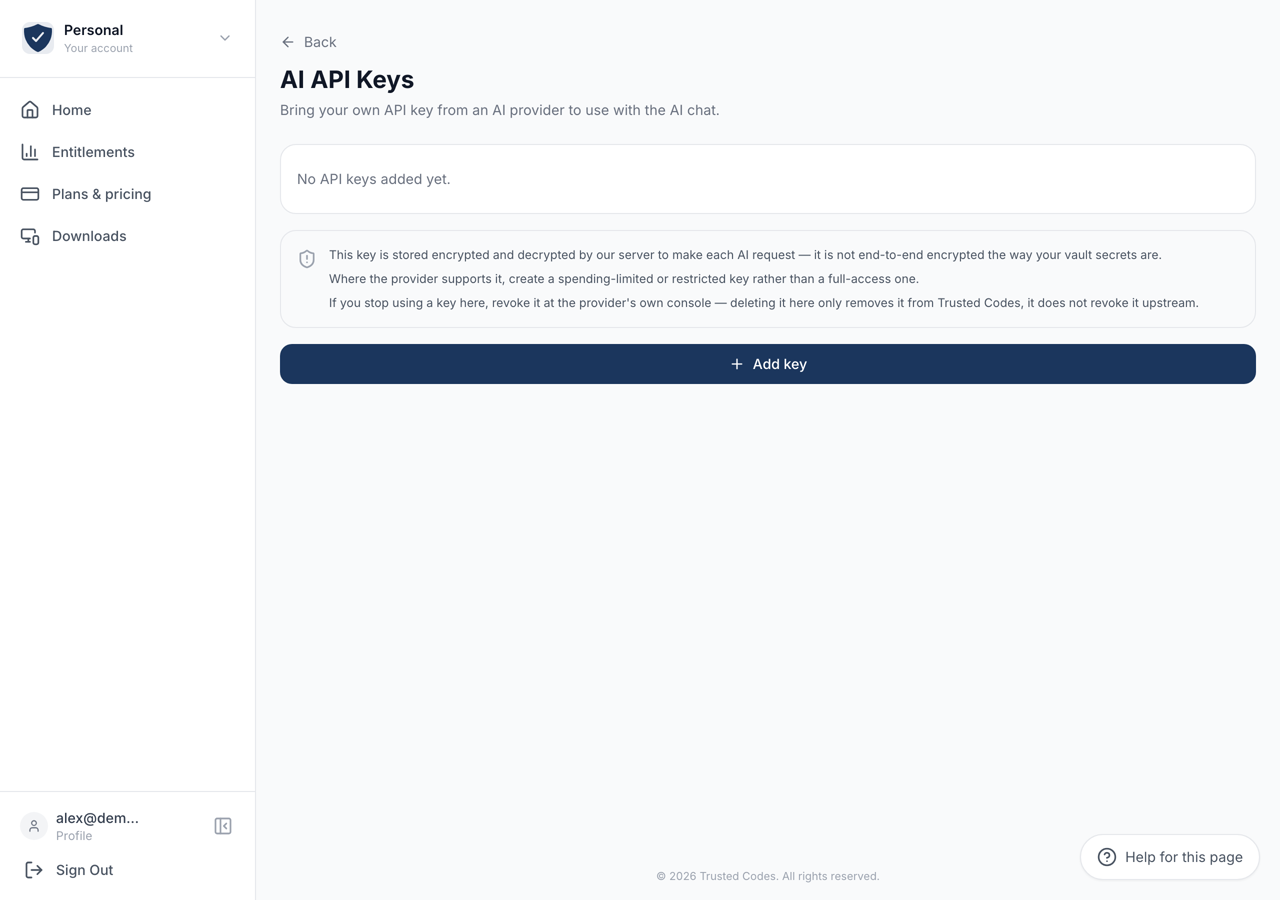 12
12- 1Asks for the provider, a label, a model and the key. We call the provider once with it before anything is stored.
- 2Our server makes the request, so our server can read this key. Your codewords are different: nothing on our side can read those.
The Concierge can run on a key you hold at an AI provider rather than on ours. The page says it plainly: “Bring your own API key from an AI provider to use with the AI chat.”
You reach it from the AI API Keys row on Your Account.
Adding a Key
Section titled “Adding a Key”Add key opens a short form.
Provider — one of Anthropic, OpenAI, Google, xAI / Grok, Moonshot / Kimi, Mistral or OpenRouter.
Label — your own name for the key, so a list of several makes sense later.
Model ID — filled in with a sensible default for the provider you picked, and free text, so you can point the same key at a different model.
API key — the key itself, pasted from the provider’s console.
When you press Add key we send one request to that provider with the key before we store anything. A key that does not work is refused there and then, with the provider’s own reason, rather than failing later inside a conversation.
Active and Inactive
Section titled “Active and Inactive”A key shows as Active or Inactive. One key is active at a time and the Concierge uses that one. Make active moves the role to another key.
Each row shows the provider, the model, a masked form of the key, and when it was last checked.
What Is Stored, and How
Section titled “What Is Stored, and How”The page states the position: this key is stored encrypted and decrypted by our server to make each AI request. It is not end-to-end encrypted the way your vault secrets are.
That is unavoidable. The request to the provider is made by our server, so the server has to be able to read the key. Your codewords are different: nothing on our side can read those.
Where the provider lets you, make a spending-limited or restricted key here rather than a full-access one.
Removing a Key
Section titled “Removing a Key”The bin icon removes a key and asks first. The confirmation repeats the one thing people get wrong: “This only removes it from Trusted Codes — it does not revoke it at the provider.”
If you are finished with a key, delete it here and then revoke it in the provider’s own console. Only the second step makes the key itself worthless.