

Data & Sync
How It Works
Section titled “How It Works”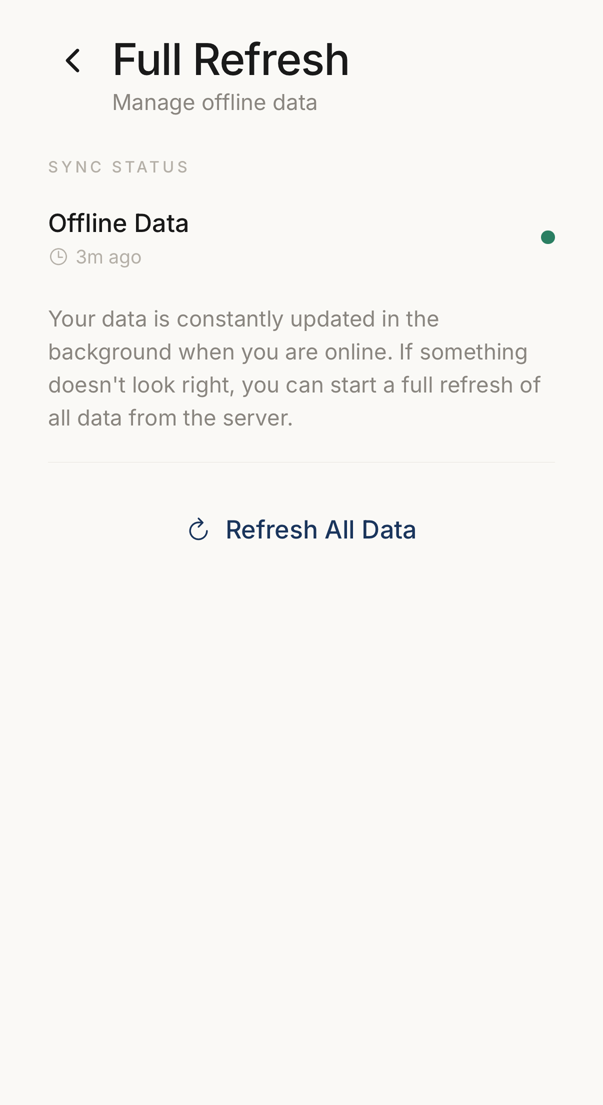 12
12- 1When the device last brought its data up to date.
- 2Fetches everything from the server again, for when something looks wrong.
Your connections and codes live on your device, so they are there when the device is offline.
Without a connection you can still view your connections, read the codes, swipe to verify and search. Adding a connection, accepting an invitation and changing a setting all need the internet.
When the device is online again, it sends the changes you made in the meantime.
Full Refresh
Section titled “Full Refresh”Open it under Settings → Device → Full Refresh.
Reach for this when something looks wrong: the data seems stale, the app seems stuck, or support asks you to. The screen is called Full Refresh and the button reads Refresh All Data.
The refresh uploads your pending offline changes first, so nothing is lost. It then clears the local data and downloads it again from the server.
For everyday refreshing, pull down on a list instead.